Accessing Aizen platform
If all the core components are in Running state,
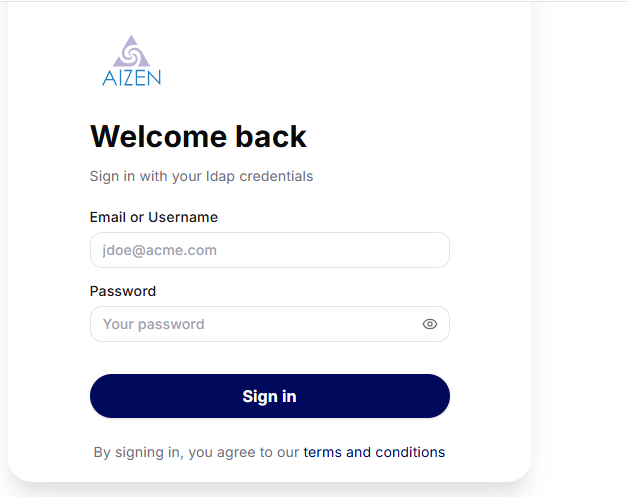
Based on the authentication type set during infrastructure/core deployments, you can login to Aizen platform via the application url http://<KUBERNETES CLUSTER INGRESS HOST>/aizen/gui
if AUTH_TYPE is ‘ldap’ or ‘auth0’ then you can directly login as the ldap or auth0 admin user and proceed to administrative tasks
As an admin user, there are certain administrative tasks that needs to be done before the regular users can start using Aizen platform
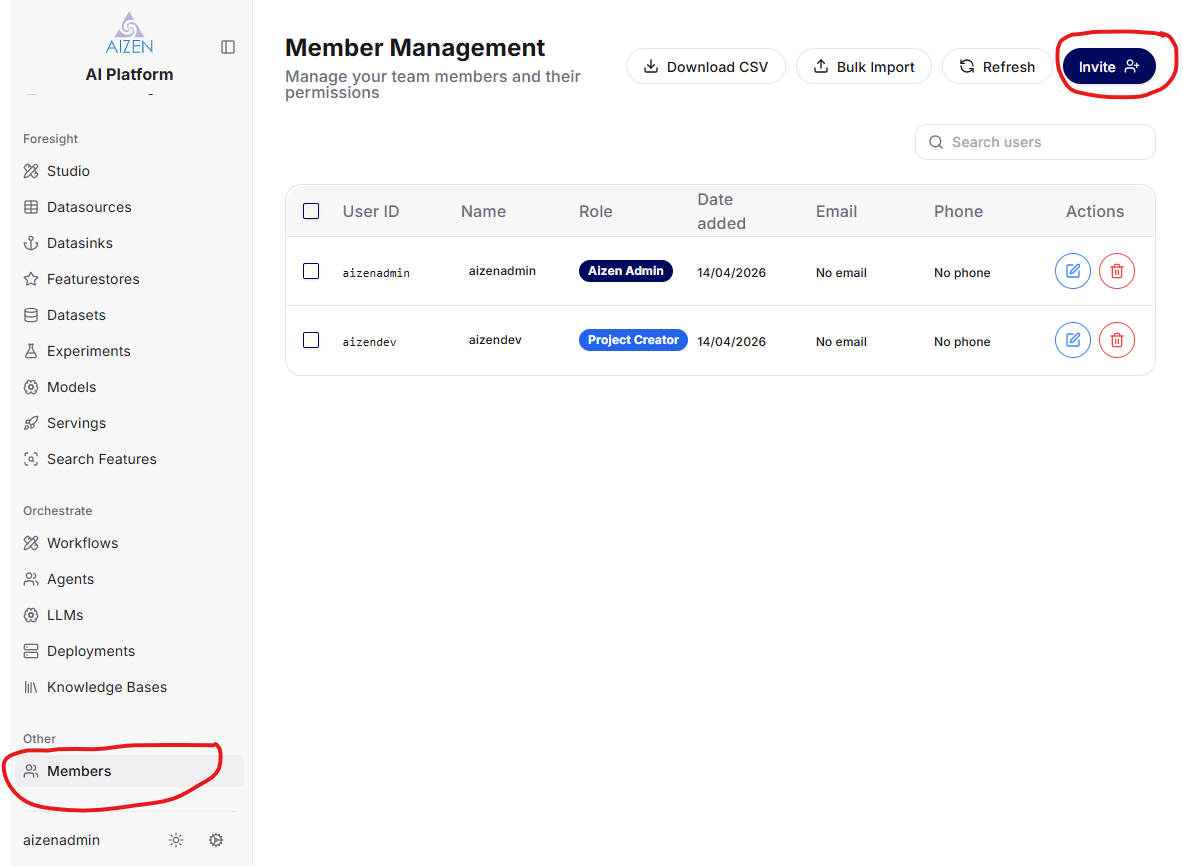
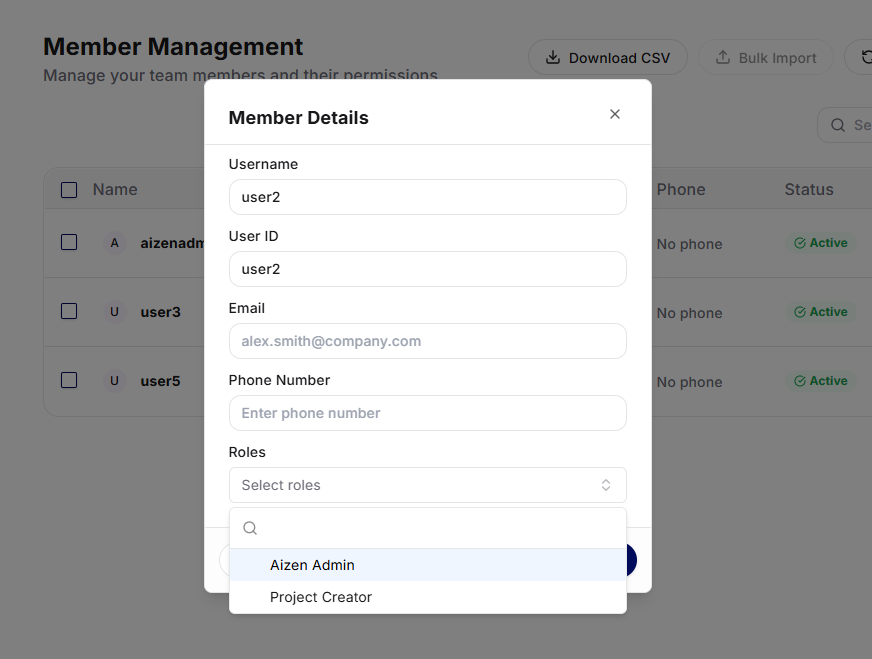
Click on Members (cirled in red) and then click on Invite (circled in red) and grant “project creator” role to regular users and Save changes
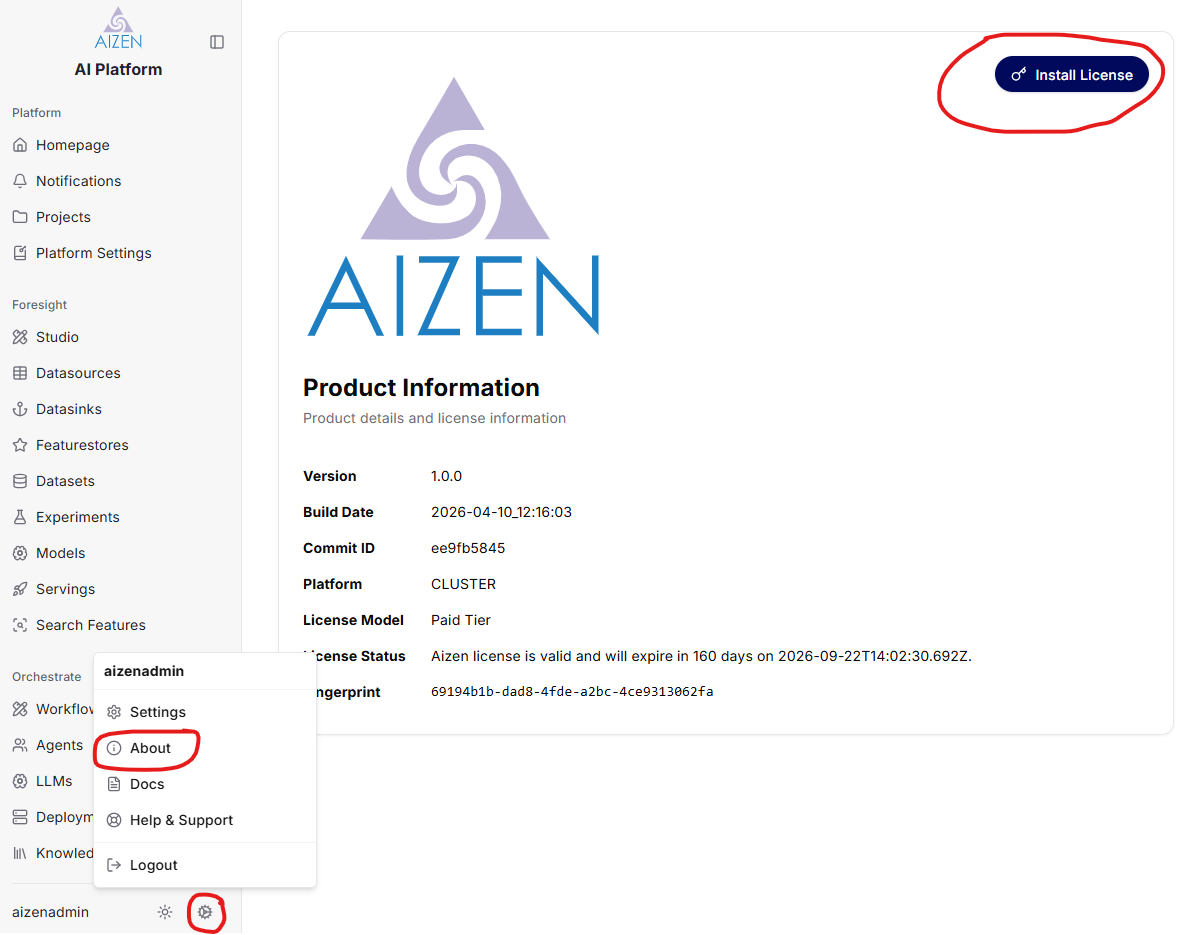
Install the license by clicking on “Install License” from About page as shown below
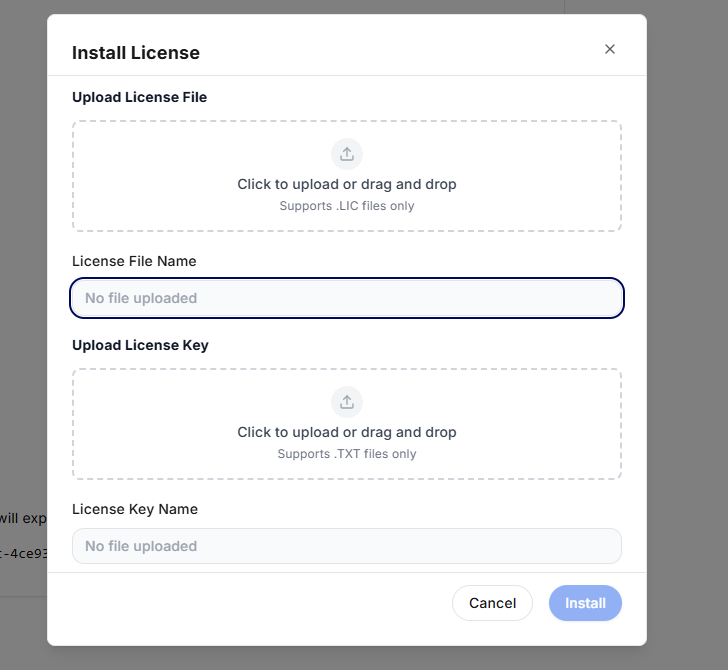
Upload the license files and click on Install
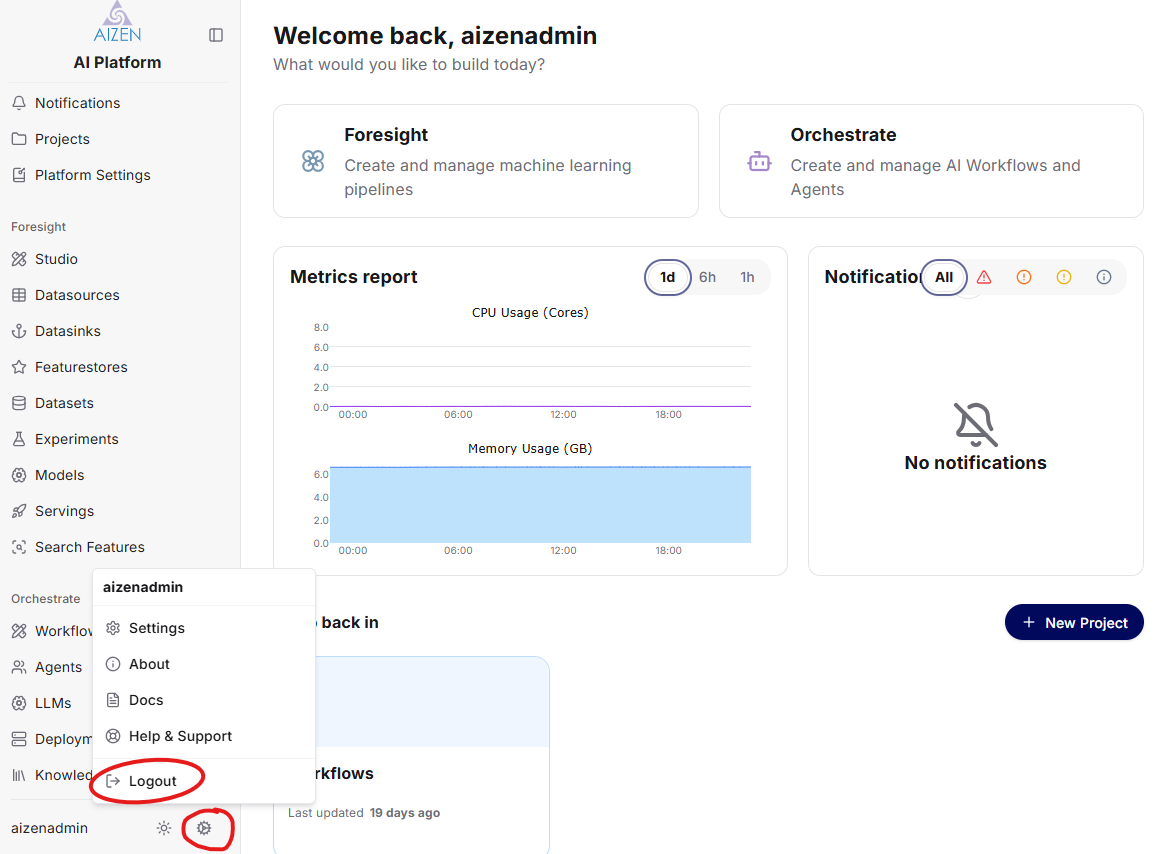
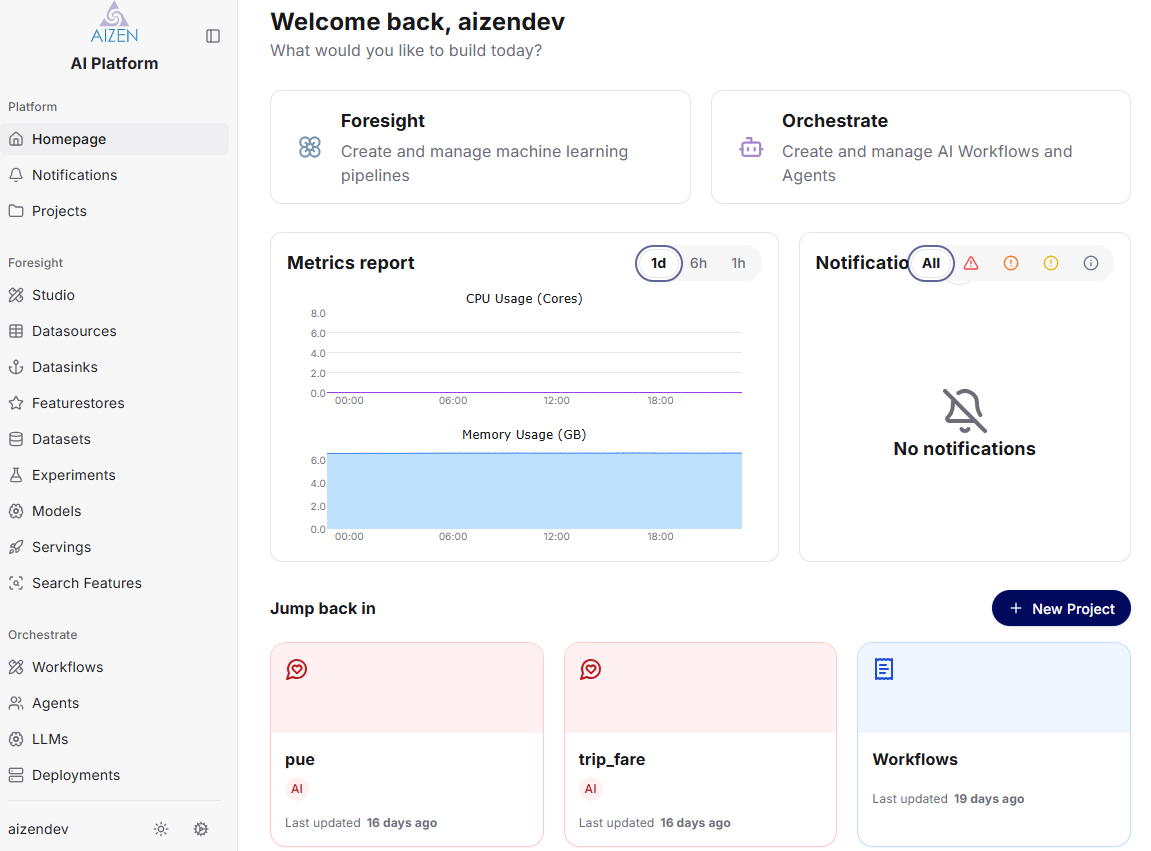
Now you can logout(circled in red) as admin user and login as one of the regular users