Accessing Aizen platform
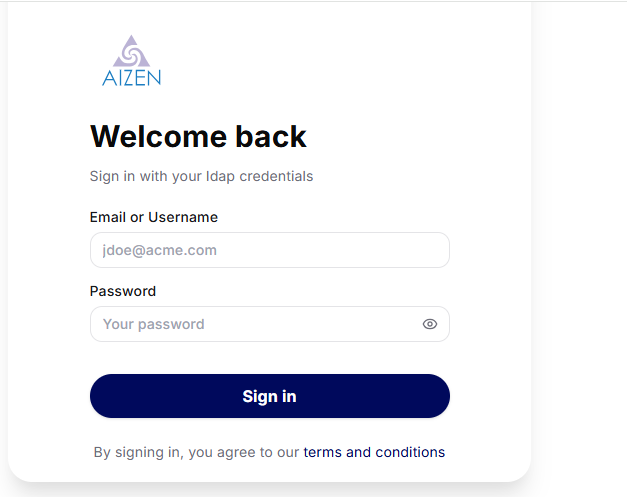
Login to Aizen gui
If all the core components are in Running state,
Based on the authentication type set during infrastructure/core deployments, you can login to Aizen platform via the application url http(s)://<KUBERNETES CLUSTER INGRESS HOST>/aizen/gui
if AUTH_TYPE is ‘ldap’ or ‘auth0’ or ‘keycloak’ then you can login as the admin user (username defined in Aizen chart deployment) of auth provider and proceed to administrative tasks
Note
If you are using the default authentication(ldap) that comes with Aizen platform, then the admin username/password is aizenadmin/aizenaicorp123!
All other users(user1 to user5) have to be invited to Aizen platform and they have the same password as aizenaicorp123#
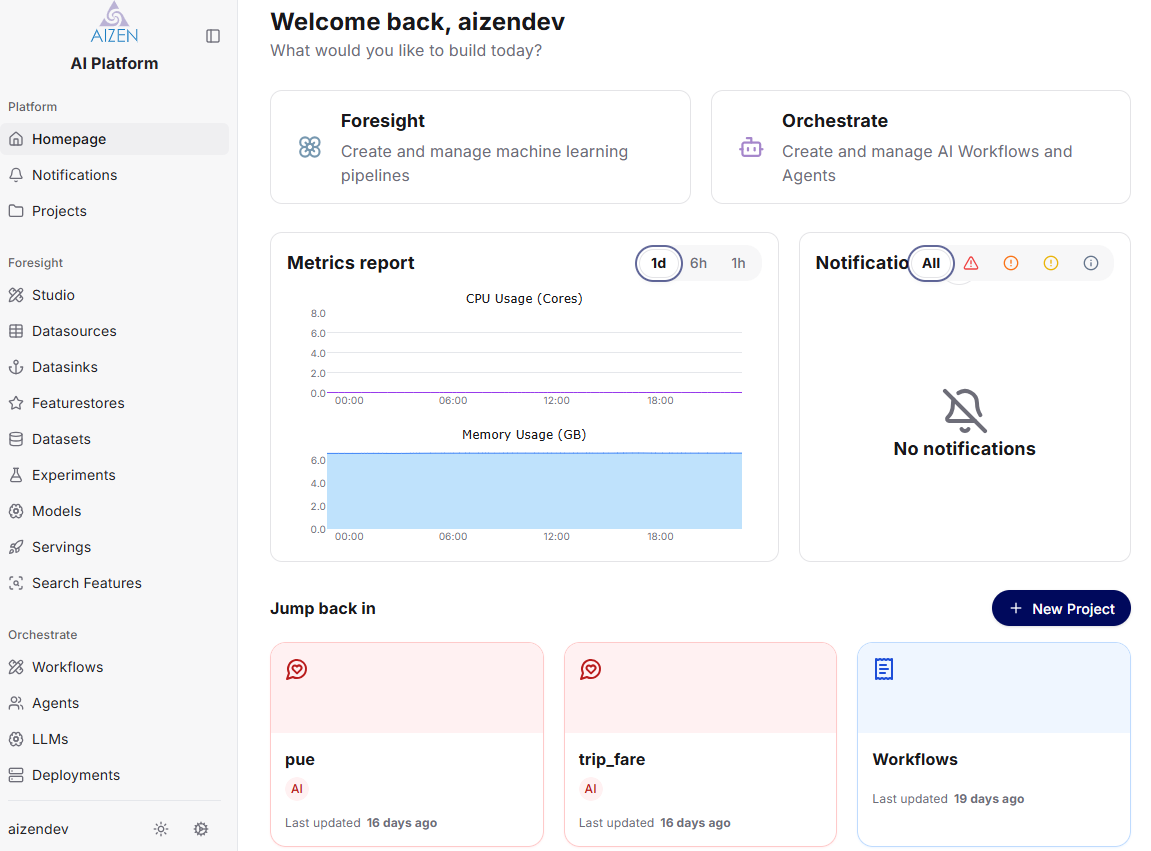
Below is the list of administrative tasks, an admin user needs to do, before regular users can start using Aizen platform